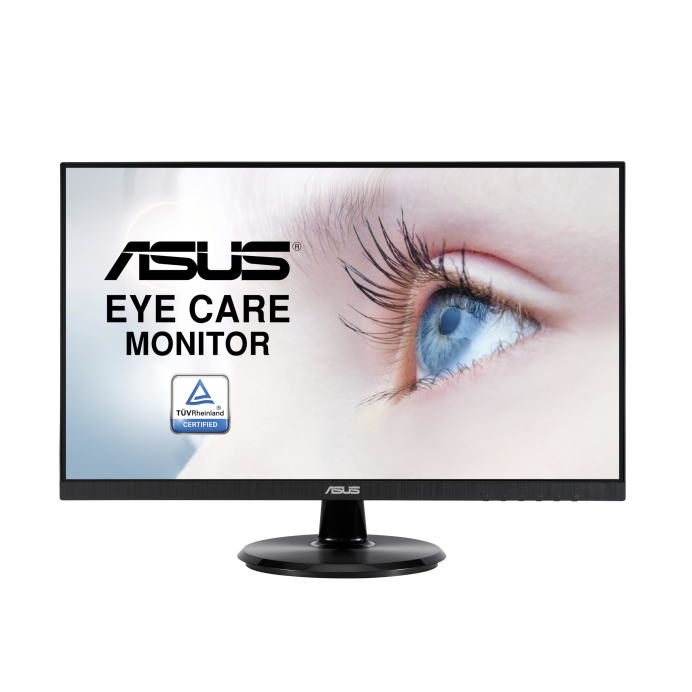
Specifications for VA27DCP with owner checks for this product design. Use the matching manual for control sequences and replacement parts.
Specifications & model details
VA27DCP: model-specific checks
The company named in this model’s archive
ASUS VA27DCP is associated with ASUSTeK COMPUTER INC. in the original regulatory record. Use both the retail brand and this company name when researching an older manual, parts listing, or recall notice. This historical listing identifies the source relationship; the complete model and serial still determine a replacement part or service arrangement.
Use the complete monitor model code and serial to find the matching manual, support page, and compatible parts.
Owner guide: Model number & identification
Category & symptom guidance
Model number & identification
3 minute read · Shared guidance for monitors & displays
Find the identity label and full suffix
Record the full model code from the rear label, stand label, or on-screen information page. Monitor names often differ by one character that identifies a stand, region, panel, or product revision. Capture the service tag or serial number separately; it is useful for warranty and support but does not replace the model code when searching for a manual. If the display is already mounted, use its OSD information screen if available rather than pulling it off the arm just to read a hidden label.
Photograph the label and keep the image with the purchase record. When searching online, include the entire code and country. A family name alone can return several sizes and connection variants.
Distinguish monitor model from computer model
The monitor’s identity is independent of the connected laptop, desktop, dock, or graphics card. Note each model separately when requesting support. The computer’s screen resolution does not establish what the external monitor can accept, and the monitor’s marketing series does not establish what the computer’s port can output. A USB-C connector on a laptop may carry data only, while another USB-C port carries DisplayPort video or charging.
Record which cable connects each end and whether it passes through a dock or adapter. That path matters when identifying a compatibility issue. Keep monitor serial, host model, dock model, cable type, and port labels together so future setup or replacement research does not conflate devices.
Use the exact code to retrieve support documents
Search the manufacturer’s support site by full model code. Confirm the result page title and region match the physical label before downloading a manual, driver, firmware, or parts list. A display family can include different panel sizes, ports, stands, and power adapters. If a manual covers a family, check its supported-model list and revision date.
Dell’s support pages, for example, let owners select a specific product and provide model-scoped procedures such as monitor self-test. Treat that as an example of why exact identity matters; do not apply Dell button sequences to another brand. Save the document locally in case the support page changes.
Keep model evidence for purchases and service
When ordering a stand, power adapter, cable, or replacement monitor, send the full model code and serial to the seller or manufacturer. Ask them to confirm compatibility in writing, especially when a part listing omits suffixes. A connector that fits is not enough: power adapters have electrical ratings, and stands must match the monitor’s mounting pattern and load.
For a support case, include the exact code, serial, purchase date, host computer, connection path, and any on-screen error. This helps the technician choose the right manual and identify whether a reported issue belongs to the display, computer, dock, or cable.
Use the model code when identifying panel revisions and firmware eligibility. If a support page lists multiple revisions under one family, ask whether the serial range determines the compatible part or update. Do not publish the serial when asking a public forum for help; share the model code and redact the unit-specific number. Keep a private photo of both labels for a warranty claim.
General background sources
These sources support the shared guide. Exact model specifications and matched family procedures have their own sources above.