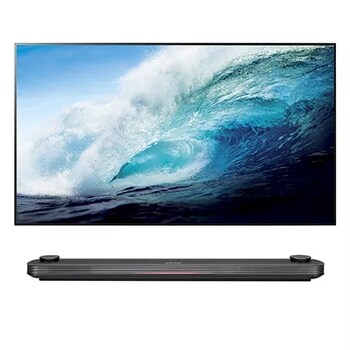
LG owner guidance distinguishes standby/power response from “No Signal” and sound-without-picture checks. Menu examples vary by model and remote.
Original sourceLG televisions
LG owner guidance distinguishes standby/power response from “No Signal” and sound-without-picture checks. Menu examples vary by model and remote.
Manufacturer support guidance across this brand/category
Features and control layouts vary. Individual notes state when guidance applies to a particular design or model.
What distinguishes this group
Explore the guidance on a matching model
Research sources
If Your LG TV Won’t Turn On
External power checks and separate no-signal, source and black-screen branches.
Troubleshooting an LG TV With No Picture and No Sound
External power checks and separate no-signal, source and black-screen branches.
LG TV has sound but no picture
External power checks and separate no-signal, source and black-screen branches.
Source-grounded notes authored with GPT-6 Luna. Model-specific procedures stay within the source-listed scope.
Scope details
- These brand-category guides do not establish which features, ports, remote buttons, indicator meanings or operating platform a particular historical TV has.
- Exact menu paths and model-specific reset procedures must come from the exact model’s manual.