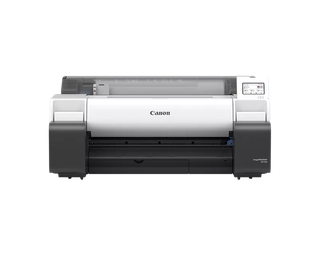
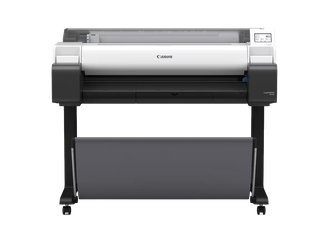
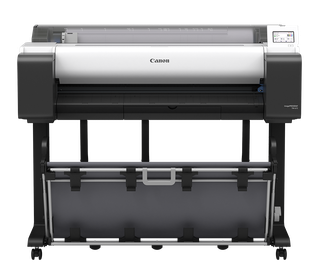
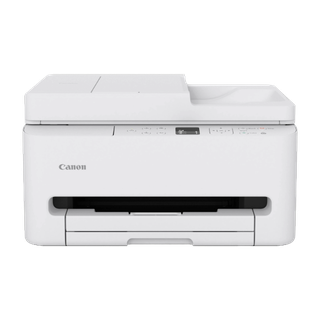
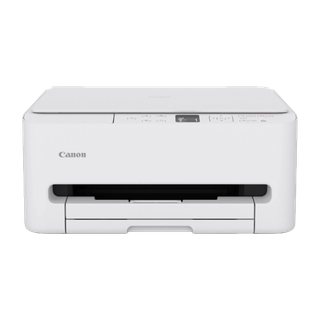
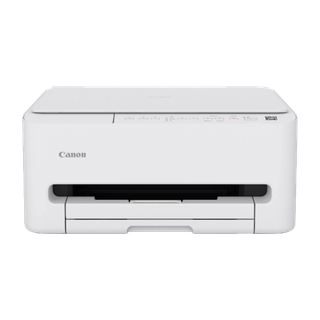
Canon printer evidence classifies products by marking technology and distinguishes Ink Jet (IJ) from Electro-photographic (EP); both standalone printers and multifunction devices occur within the inkjet group.
Original sourceCanon inkjet printers
Canon’s cataloged inkjet printer group includes both standalone printers and multifunction devices. PIXMA maintenance instructions distinguish nozzle-check patterns, ordinary cleaning and deep cleaning; specific procedures and controls belong to the named supported series, not every Canon inkjet.
A brand & recorded-design group
Matched using these recorded design descriptions: Ink Jet (IJ).
What distinguishes this group
Explore the guidance on a matching model
Print a nozzle check before starting a cleaning cycleK10390Match the Canon maintenance workflow to the named seriesK10390Do not rinse or wipe a Canon FINE cartridge printheadK10390Distinguish FINE cartridges, separate tanks and refill bottlesK10390Find cleaning controls in the Canon IJ Printer Assistant ToolK10525Use a pattern result to tell clogged nozzles from other faultsK10525Identify whether the Canon uses a replaceable cartridge or tank systemK10390Compare one documented cleaning sequence before replacing the printerK10525
Research sources
Canon TS6200 series nozzle check and cleaning
Pattern inspection, cassette paper, cleaning sequence and ink use.
Canon TS5100 series maintenance
Nozzle-check/cleaning sequence and cartridge handling caution.
Canon G3010 series printhead cleaning
Driver utility cleaning controls and Ink Flush consumption.
Canon TS6300 series maintenance
Series-specific nozzle check and maintenance steps.
Source-grounded notes authored with GPT-6 Luna. Model-specific procedures stay within the source-listed scope.
Scope details
- Canon inkjet membership does not mean every model uses a FINE cartridge or the IJ Printer Assistant Tool.
- TS6200, TS5100, TS6300 and G3010 procedures are cited examples for those named series; confirm exact model compatibility before following them.